Sign in
PulseKit opens from inside your Pulse account, so there is no separate username or password to remember. When you launch it, PulseKit uses your existing Pulse login to sign you in automatically.
Open PulseKit
- Log in to your Pulse account as usual.
- Open PulseKit from your Pulse menu, or use the Open PulseKit link at the top of this help site. It opens your Pulse account.
- Wait a moment while PulseKit signs you in and loads your clients.
After you sign in
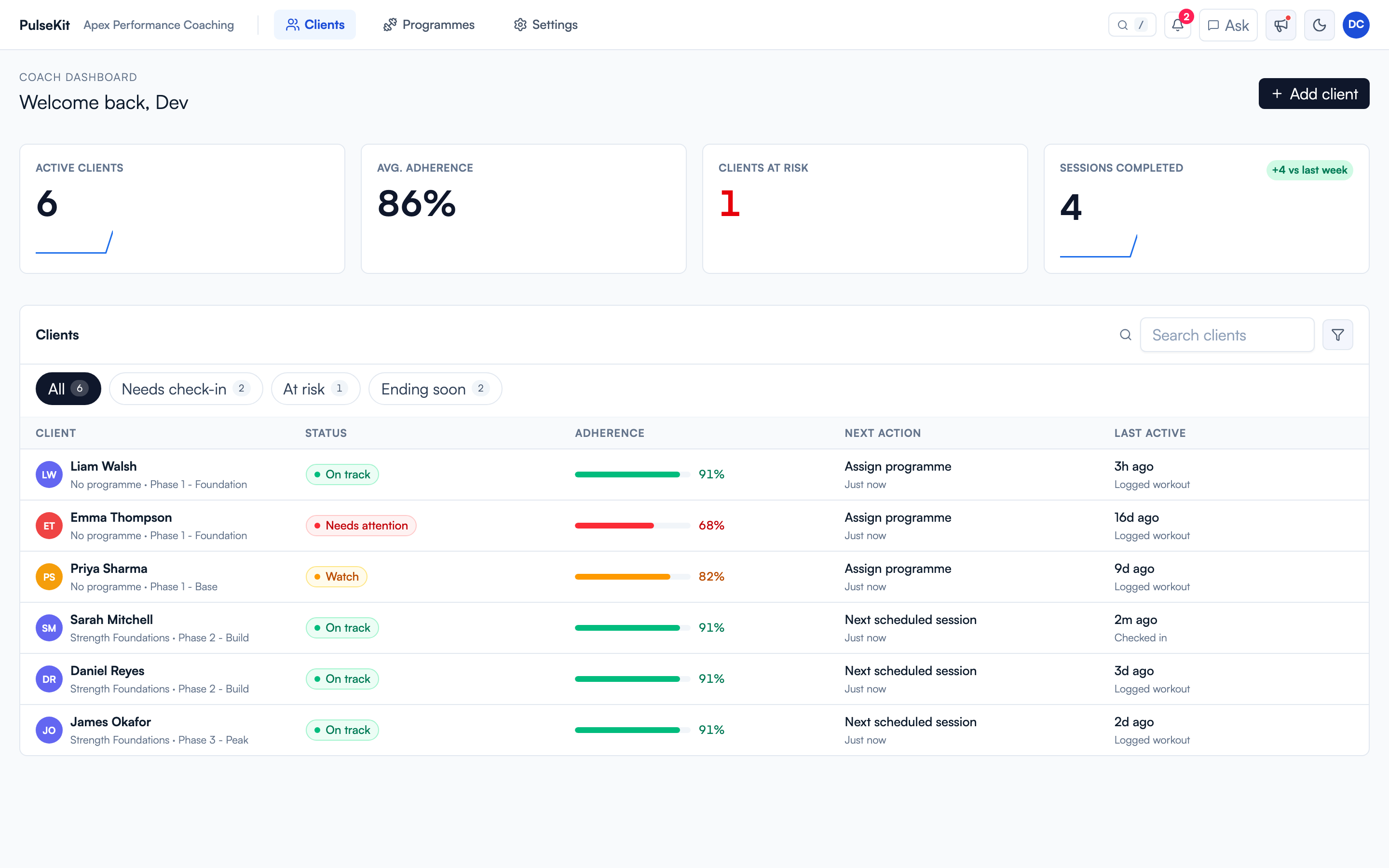
You land on the coach dashboard. From there you can open clients, programmes, settings, notifications, and activity updates.
First-time coaches: complete Settings > Client onboarding. It covers your onboarding form link, your client onboarding workflow, your default programme, and an optional community link. If you coach groups, set up the self-assignment flow too. See Group coaching.
If PulseKit does not load
- Make sure you are still logged in to Pulse, then reopen PulseKit.
- Refresh the page and give it a few seconds to sign you in.
- If it still does not open, ask your team lead to confirm your Pulse account has PulseKit enabled.