Sign in
PulseKit opens from inside your Pulse account, so there is no separate username or password to remember. When you launch it, PulseKit uses your existing Pulse login to sign you in automatically.
Open PulseKit
- Log in to your Pulse account as usual.
- Open PulseKit from your Pulse menu (or the App link at the top of this help site).
- Wait a moment while PulseKit signs you in and loads your clients.
After you sign in
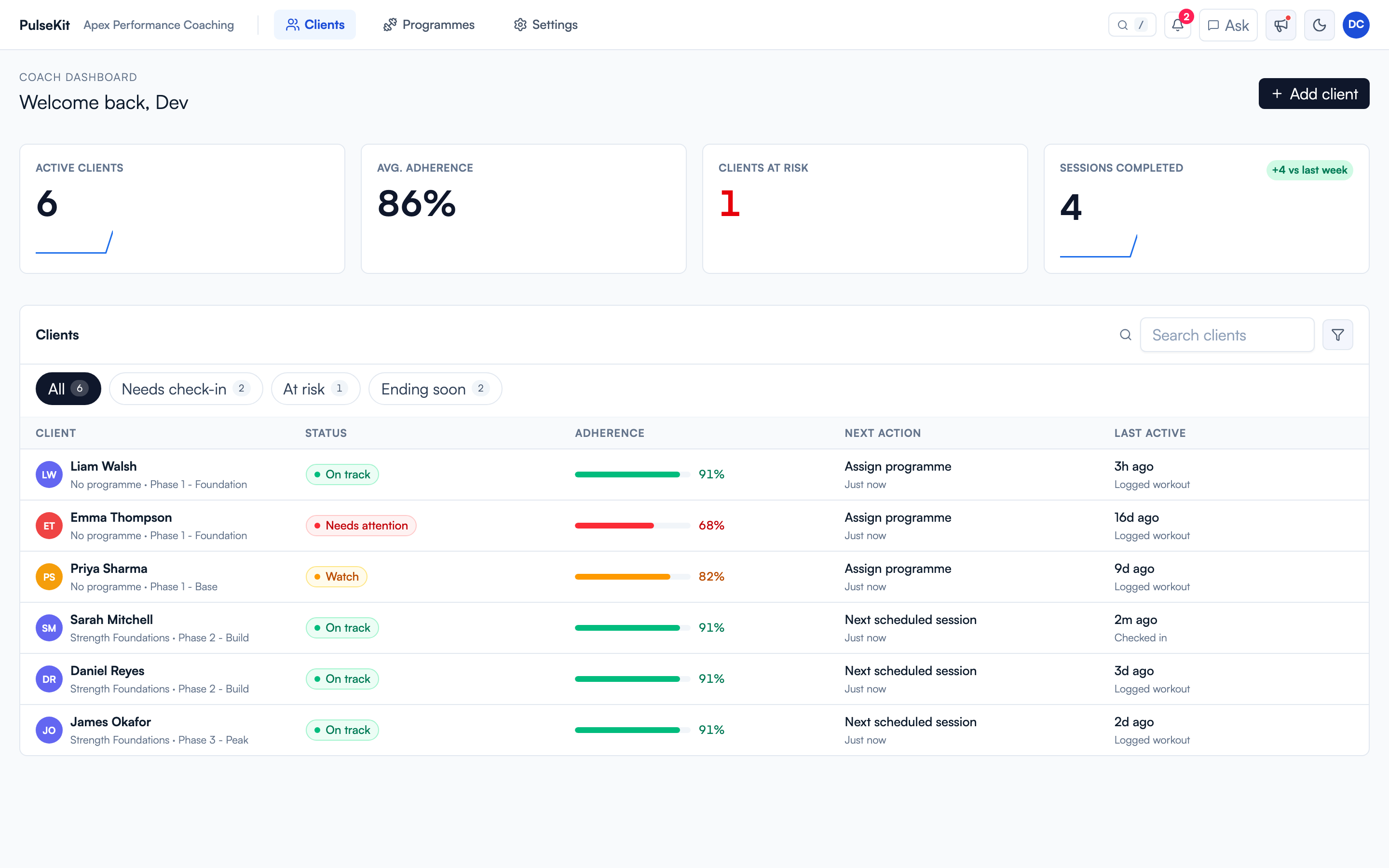
You land on the coach dashboard. From there you can open clients, programmes, settings, notifications, and activity updates.
If PulseKit does not load
- Make sure you are still logged in to Pulse, then reopen PulseKit.
- Refresh the page and give it a few seconds to sign you in.
- If it still does not open, ask your team lead to confirm your Pulse account has PulseKit enabled.