Notifications
Notifications surface client activity as it happens, so you do not have to open each profile to find out what changed.
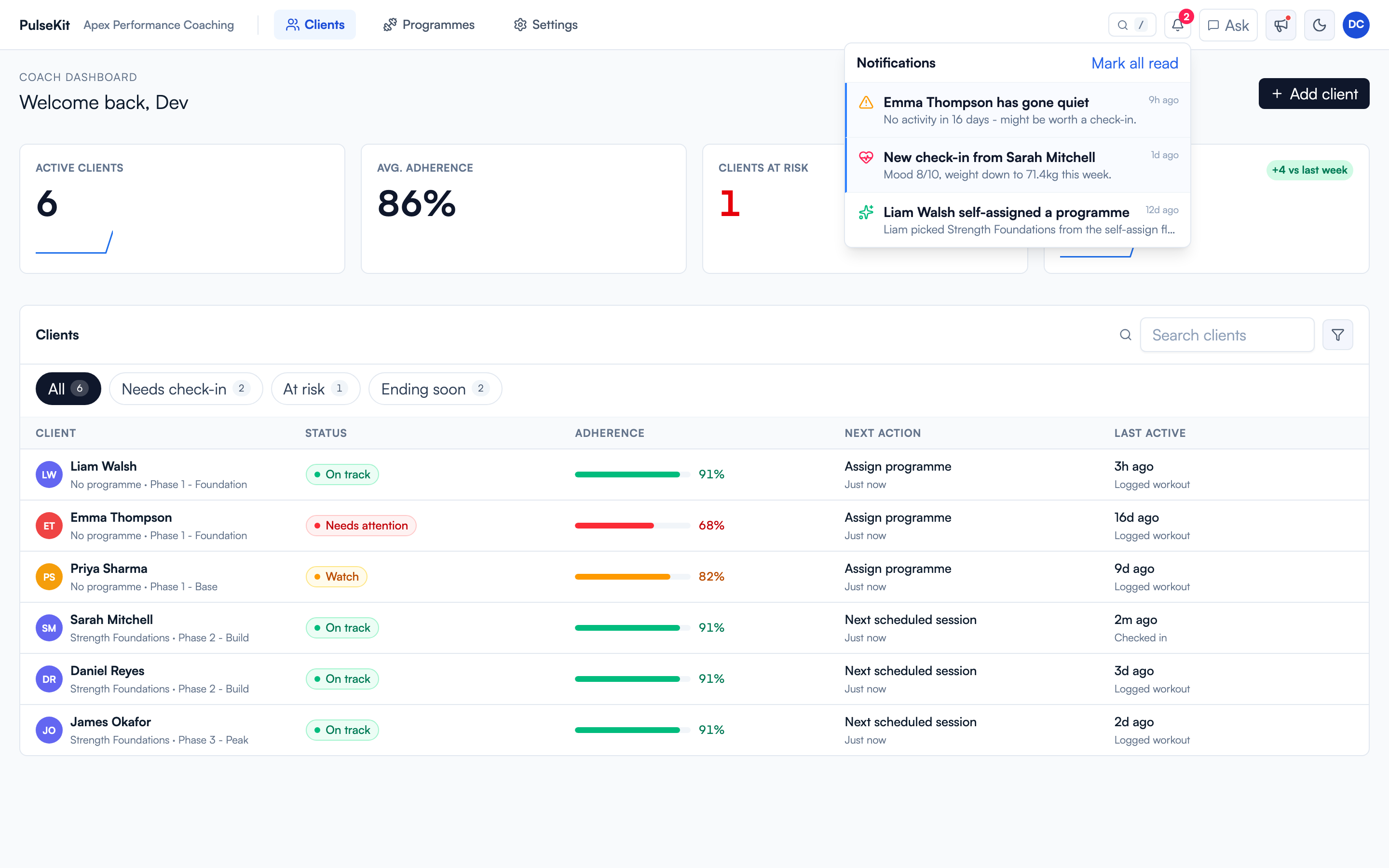
The bell in the top bar opens the panel. Each item names the client and the event, and links straight to that client. Mark all read clears the list once you have worked through it.
What gets flagged
- New check-ins
- Clients going quiet (missed activity)
- Food diary updates
- Completed training
- Client replies and other notable changes
The panel is ordered newest first and works well as a daily triage list: deal with what needs a reply, then clear it so what is left is what still needs you.